
Quickbooks Errors

  • All Post
  • Bookkeeping
  • Quickbooks Errors
How to Fix QuickBooks Error 5502 Step by Step

October 21, 2026/

You try to use an online or connected feature in QuickBooks Desktop, but the connection does not complete as expected. In some reported cases, users encounter QuickBooks Error 5502 while data is being uploaded, synchronized, or communicated between QuickBooks and an online service. Third-party troubleshooting...
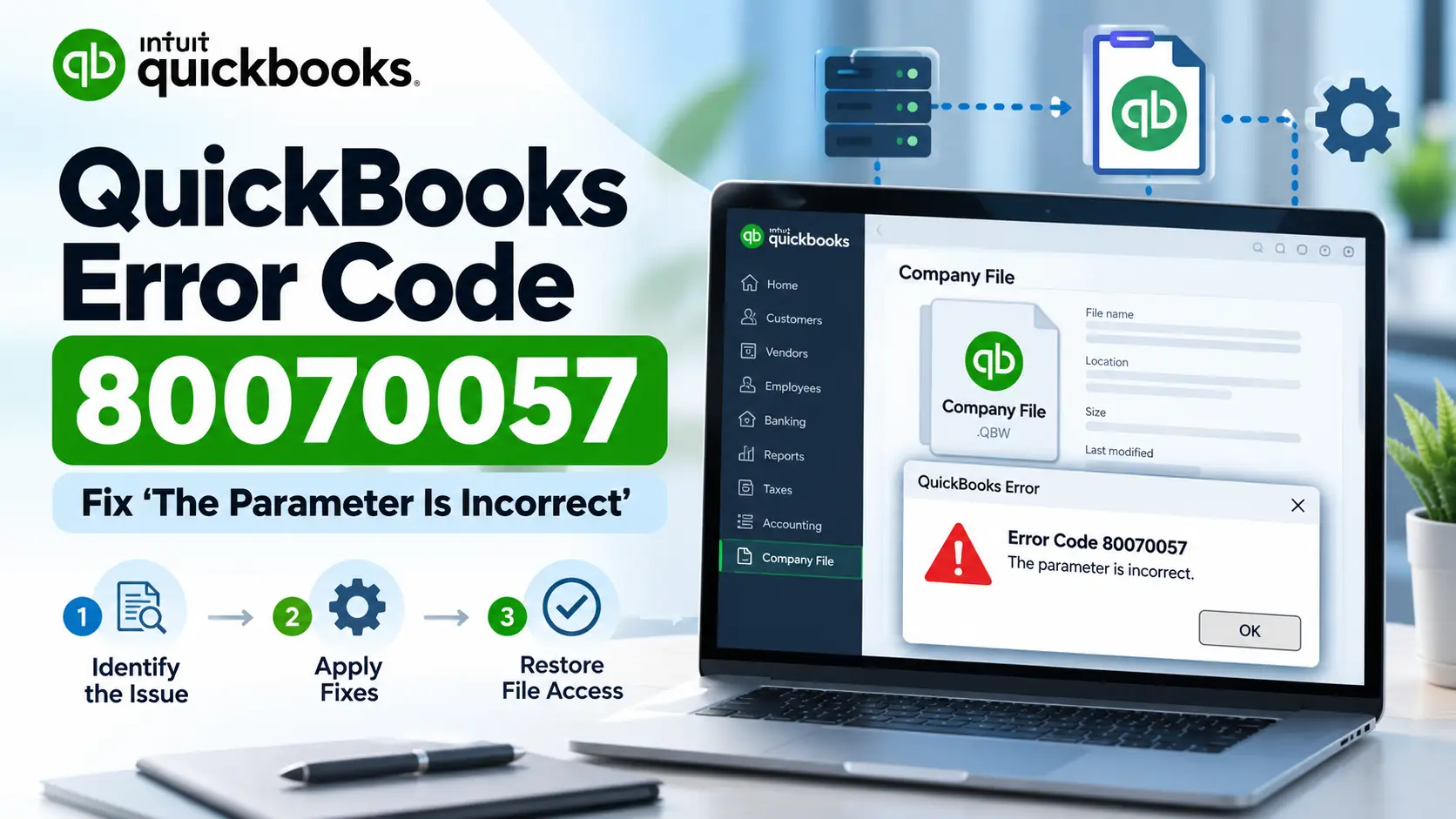
QuickBooks Error Code 80070057: Fix The Parameter Is Incorrect

October 19, 2026/

You open QuickBooks Desktop and select your company file, but instead of loading your accounting data, QuickBooks displays QuickBooks Error Code 80070057 with a message that says “The parameter is incorrect.” This error is different from a payroll or update-only issue. Intuit’s current guidance specifically...

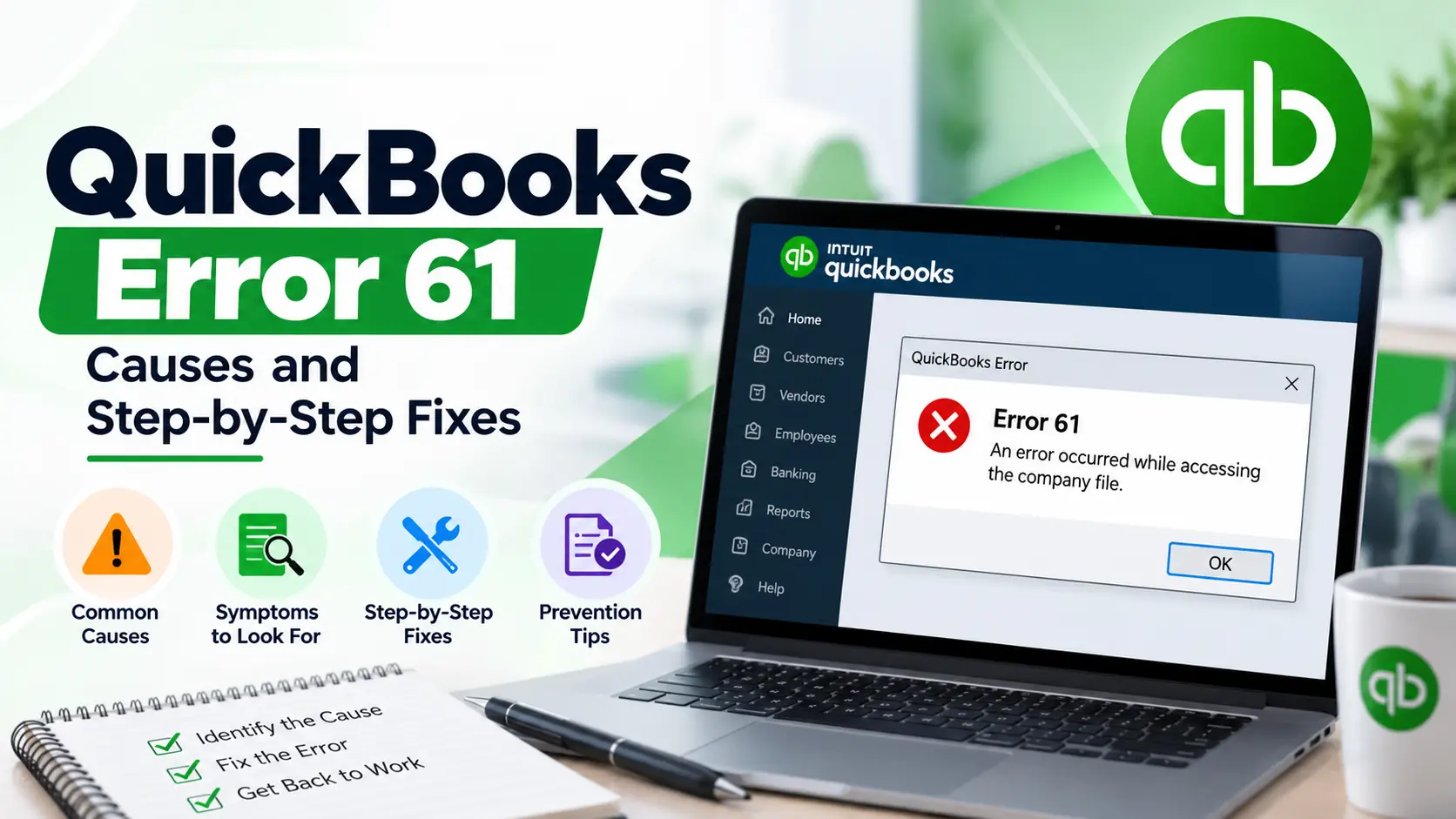
QuickBooks Error 61: Causes and Step-by-Step Fixes

October 19, 2026/

You open QuickBooks Desktop to continue bookkeeping, run a report, or work with your company data, but instead of completing the action normally, QuickBooks Error 61 appears. This error is commonly discussed in connection with company-file or data-integrity problems. However, there is an important accuracy...

How to Fix QuickBooks Error 12038 Step by Step

October 12, 2026/

You open QuickBooks to install an update, but the download stops with QuickBooks Error 12038. You try again, and the same message appears. Before changing settings or reinstalling the software, identify where the update is failing. Intuit lists 12038 among QuickBooks Desktop update errors. Its...

QuickBooks Error 1328: Causes and Step-by-Step Fixes

October 10, 2026/

You start installing a QuickBooks update, repairing the program, or reinstalling QuickBooks Desktop. The process seems normal at first, but then QuickBooks Error 1328 interrupts it. The message may mention a temporary file inside a path similar to: C:\Config.Msi\PTXXX.tmp That detail is important. Intuit currently...

QuickBooks Error 15203: Causes and Step-by-Step Fixes

October 10, 2026/

You may see QuickBooks Error 15203 while trying to download or install a QuickBooks Desktop or payroll update. Instead of completing normally, the update may stop, fail, or ask you to try again. Update problems can happen for several reasons. Windows permissions may block the...

QuickBooks Error 6123: Causes and Step-by-Step Fixesx

October 10, 2026/

You try to open a QuickBooks company file, upgrade it to a newer version, or restore a backup, but instead of seeing your accounting data, QuickBooks Error 6123 appears. The error commonly displays as Error -6123, 0. According to Intuit’s current QuickBooks Desktop guidance, this...

How to Fix QuickBooks Error 1317 Step by Step

October 9, 2026/

You may see QuickBooks Error 1317 while installing, updating, repairing, or reinstalling QuickBooks Desktop on a Windows computer. In many cases, the installation stops because Windows cannot create or access a folder needed by the setup process. The message may also show the path of...

How to Fix QuickBooks Error 6147 Step by Step

October 7, 2026/

You may be trying to open the company file you use every day, or perhaps you are restoring a backup after moving QuickBooks to another computer. Instead of opening the data, QuickBooks stops with QuickBooks Error 6147, often displayed as -6147, 0. This error belongs...

Load More

End of Content.

E-solution. specializes in providing businesses of all sizes with outsourced bookkeeping and accounting, payroll processing, taxation, and consultancy services.

Accounting & Bookkeeping Services

Certified intuit Payroll Proadvisor

Certified intuit Payroll Proadvisor Have questions on QuickBooks Payroll? Get free help now from a QuickBooks Expert. Call +1 (800) 614-1059

Disclaimer:

E-solution.us is an independent support provider for accounting and bookkeeping software. All trademarks, logos, and product names belong to their respective owners and are used for identification only. We offer assistance with software-related queries, troubleshooting, and technical support. The mention of third-party brands does not imply endorsement or partnership. While we strive for accuracy, we are not responsible for errors, omissions, or software issues, and users should contact official support channels for direct assistance. By using our services, you acknowledge that E-solution.us operates independently and agree to our terms and conditions.

Copyright © 2026 – E-solution Powered By e-solution.us

Easily manage data tasks or get expert help with:

“Fast and simple to use. Great experience!” – Lex

Easily manage data tasks or get expert help with:

“Fast and simple to use. Great experience!” – Lex

Easily manage data tasks or get expert help with: QuickBooks Errors, Integration, Conversion & Migration, & Download Setup